
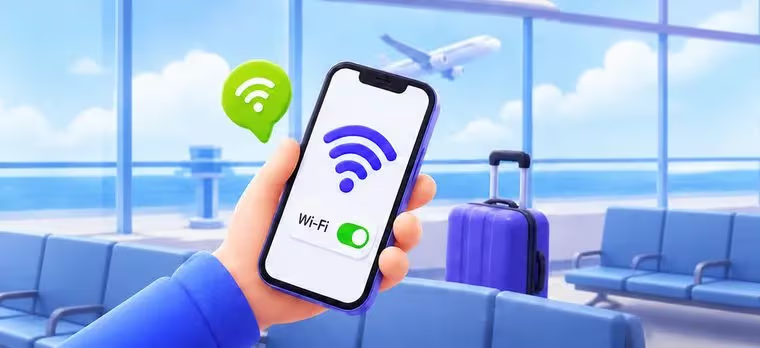
Step 1 of 3 · Before you install
Do it on Wi-Fi, on the phone you'll travel with
- Stay on Wi-Fi. Installing needs a connection — do it before you fly.
- The QR works once. Install it on the phone you're taking with you.
- Don't interrupt it. Leaving mid-way can leave the eSIM half-installed.
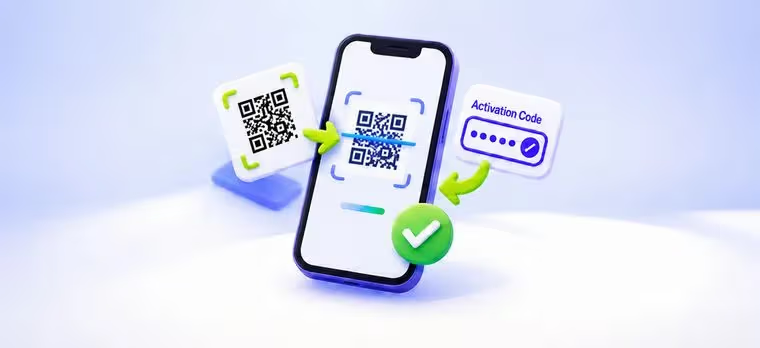
Step 2 of 3 · Installing
Two ways in — scan the QR, or type the code
- Scan or type. Both land in the same place — pick whichever is easier.
- Give it a name. Label it "XPIN" so you can tell it from your home SIM.
- One device only. The eSIM can't be moved or reinstalled on another device.
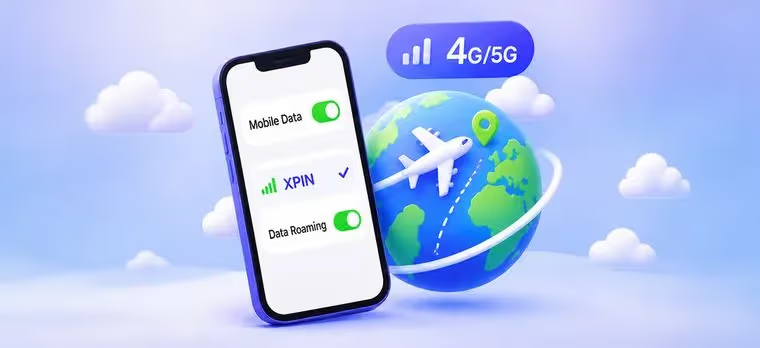
Step 3 of 3 · On arrival
Switch the line on and turn Roaming up
- Turn the line on. Settings → Cellular → switch on the XPIN line.
- Enable Data Roaming. Then select it for Mobile Data. That's it — you're online.
- Running low later? My eSIM → this card → Add Data. No reinstall, no auto-renewal.
!Turn off "Allow Cellular Data Switching" so your home SIM never roams by accident.